Overview
BlueChart g3 Vision coastal charts provide coverage, clarity, and detail with integrated Garmin and Navionics data and Auto Guidance technology. The VUS014R chart card combines multiple data layers, including vector cartography, high-resolution bathymetry, satellite photography, and 3D perspective views, into a single navigational package designed for the western Gulf of Mexico.
The Texas and Louisiana coastline covered by the VUS014R presents specific navigational conditions where premium chart features add operational value. Extensive shallow-water systems, including the Gulf Intracoastal Waterway, the Galveston Bay ship channel complex, and the network of tidal passes and barrier island cuts along Padre Island, benefit from the 1-foot contour resolution and Shallow Water Shading that BlueChart g3 Vision provides. Auto Guidance technology calculates suggested routes using vessel-specific draft and overhead clearance parameters, accounting for the charted depth restrictions and bridge clearances that characterize this region.
Coverage
Note: The areas outlined in color depict the approximate coverage areas of the relief shading data included in the Vision card.
Atchafalaya Bay to Brownsville, including Port Arthur, Galveston Bay, Matagorda Bay, and Padre Island.
Features
Auto Guidance
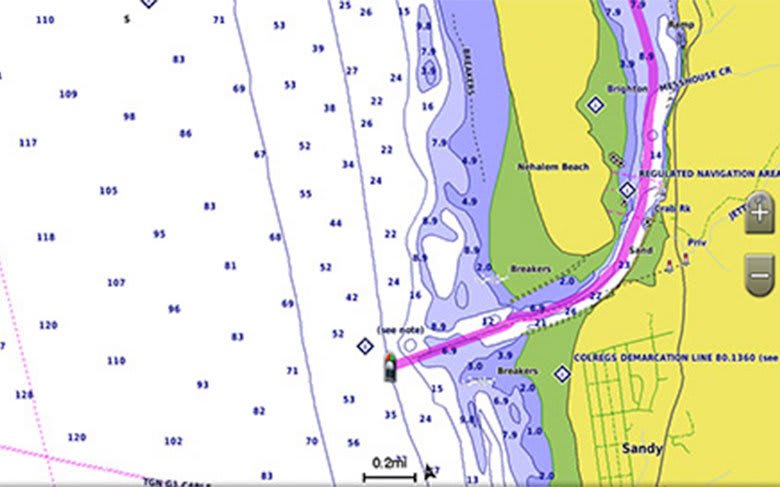
Whether fishing or cruising, select a spot and get a route showing the general path and nearby obstructions at a safe depth. Auto Guidance technology uses the desired depth and overhead clearance to calculate a route and suggest a path to follow.
Auto Guidance is for planning purposes only and does not replace safe navigation practices.
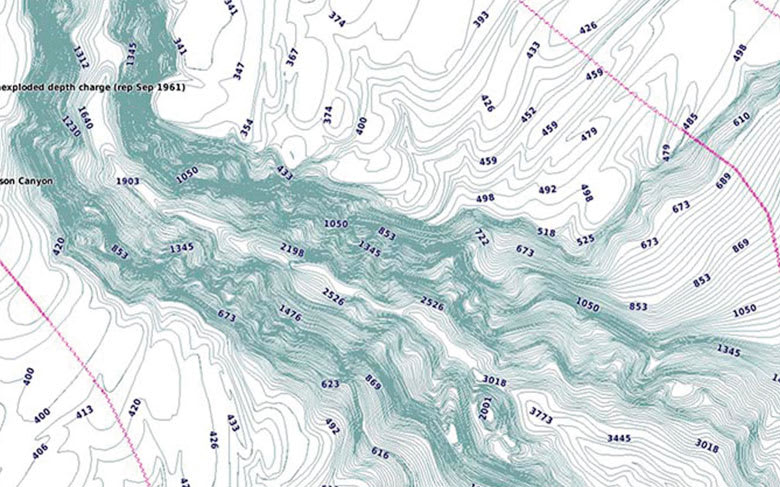
High-resolution Relief Shading
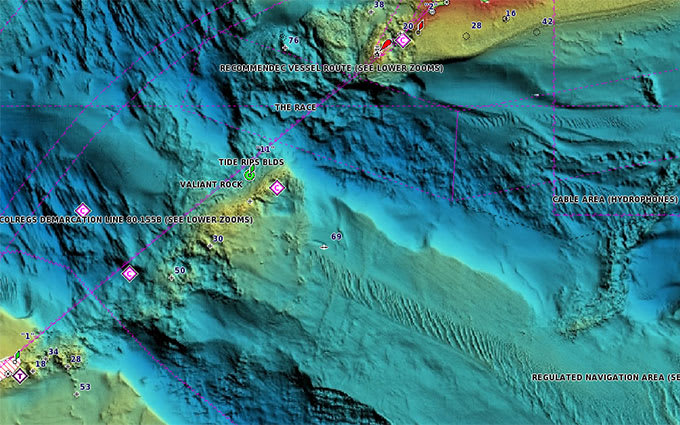
High-resolution relief shading combines color and shadow to give an easy-to-interpret view of the bottom profile, making it easier to find artificial reefs, underwater shelves, and more. High-resolution relief shading is also available as a free downloadable feature via the ActiveCaptain app.
Depth Range Shading
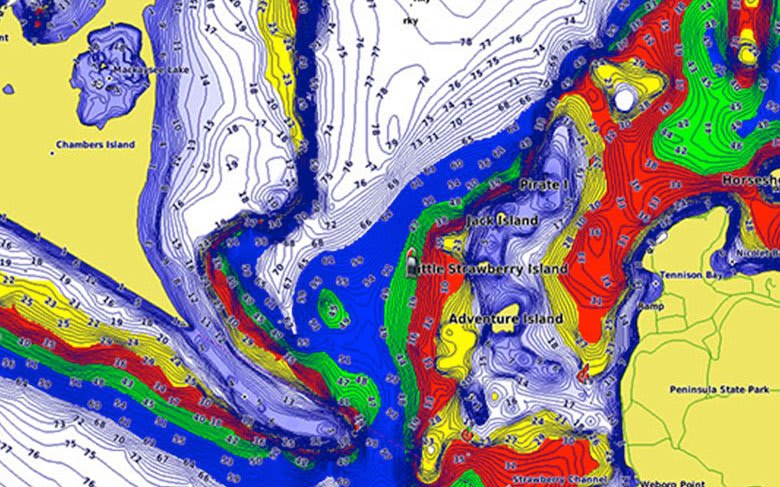
Depth Range Shading displays up to 10 depth ranges, allowing you to view a designated target depth at a glance.
Shallow Water Shading
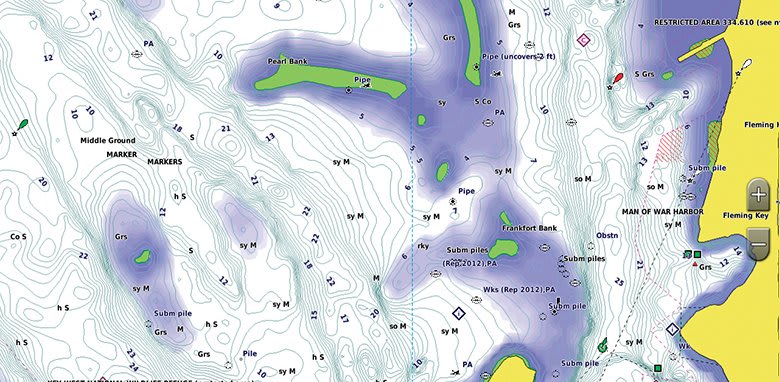
Shallow Water Shading allows for shading at a user-defined depth, giving a clear picture of shallow waters to avoid.
Detailed Contours
BlueChart g3 Vision charts feature 1-foot contours that provide a more accurate depiction of bottom structure, improving fishing charts and enhancing detail in swamps, canals, and port plans.
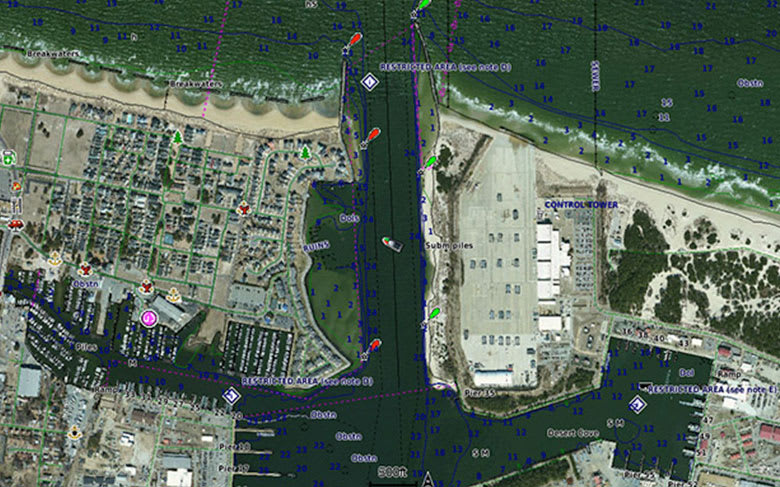
High-resolution Satellite Imagery
High-resolution satellite imagery with navigational charts overlaid gives a realistic view of the surroundings, the most realistic charting display in a chartplotter, ideal for entering unfamiliar harbors or ports.
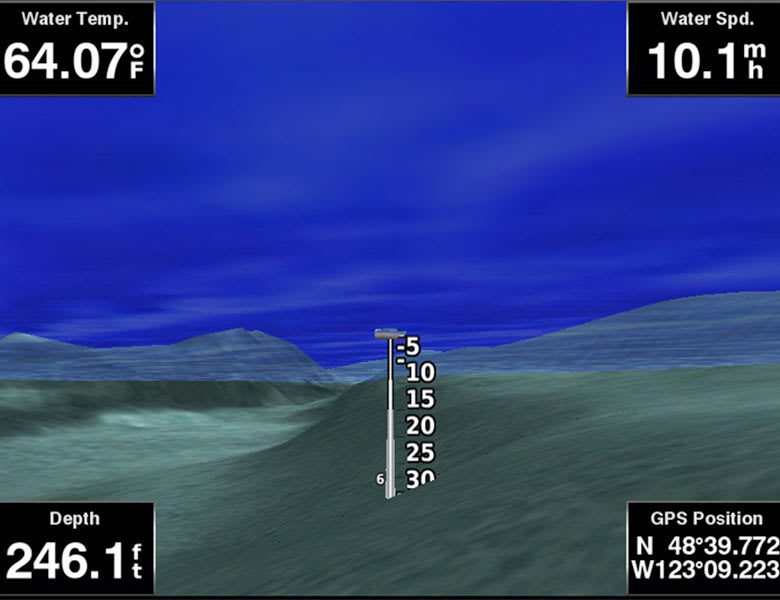
FishEye View
An underwater perspective showing a 3D representation of the bottom and contours as seen from below the waterline. Interface with sonar data for a customized view.
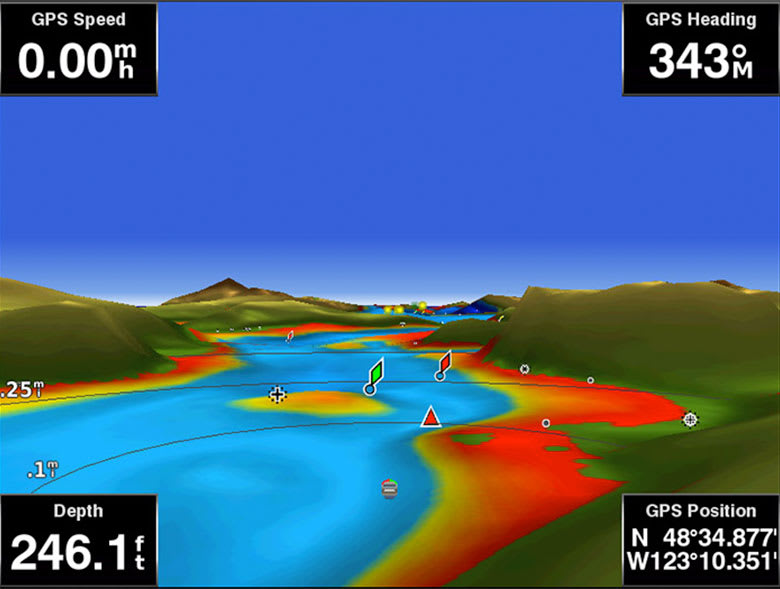
MarinerEye View
A 3D representation of the surrounding area, both above and below the waterline.
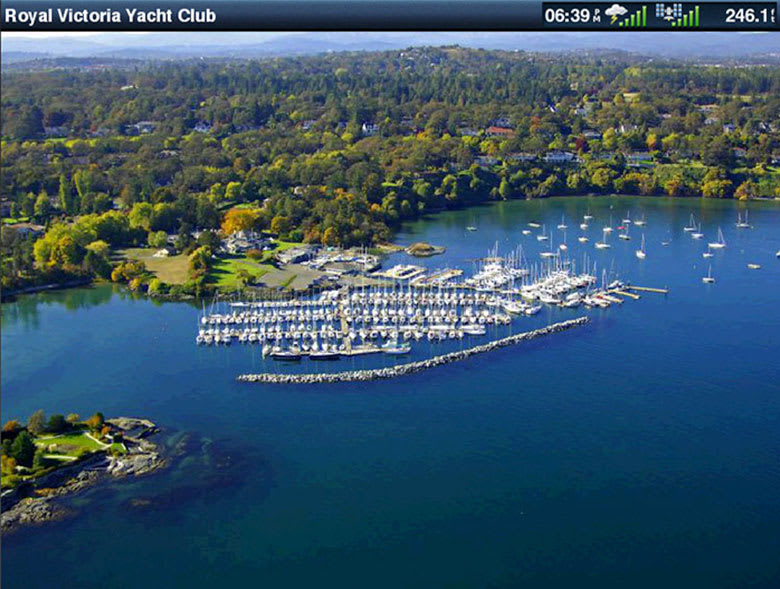
Aerial Photography
Crystal-clear aerial photography shows exceptional detail of many ports, harbors and marinas and is ideal when entering unfamiliar ports.
¹Auto Guidance is for planning purposes only and does not replace safe navigation practices.Engineering enhancements are ongoing and may not be reflected in the pictures, videos and specifications.
Comparison
Garmin offers two tiers of BlueChart g3 coastal charts. Both include integrated Garmin and Navionics content, Auto Guidance technology, Depth Range Shading for up to 10 ranges, up to 1-foot contours, and Shallow Water Shading. BlueChart g3 Vision adds the premium features listed below.
|
Feature
|
BlueChart g3 Vision
|
BlueChart g3
|
|
Integrated Garmin and Navionics content
|
✔
|
✔
|
|
Auto Guidance technology
|
✔
|
✔
|
|
Depth Range Shading (up to 10 ranges)
|
✔
|
✔
|
|
Up to 1-foot contours
|
✔
|
✔
|
|
Shallow Water Shading
|
✔
|
✔
|
|
High-resolution relief shading
|
✔
|
|
|
High-resolution satellite imagery
|
✔
|
|
|
3D views (FishEye and MarinerEye)
|
✔
|
|
Auto Guidance is for planning purposes only and does not replace safe navigation operations.
Requirements
BlueChart g3 Vision charts are delivered on a microSD/SD card preloaded with chart data. Garmin microSD/SD data cards are intended solely for use with compatible Garmin devices and are preformatted specifically for that purpose. Cards must not be reformatted, and the data on the card must not be modified, copied, or transferred to any other card or device. Each card is licensed for use on a single device at a time. For full microSD/SD card requirements and limitations, refer to the Garmin legal page.
FAQs
Q1. What area does the BlueChart g3 Vision VUS014R cover?
The VUS014R provides coastal chart coverage from Atchafalaya Bay, Louisiana to Brownsville, Texas. Specific coverage includes Port Arthur, Galveston Bay, Matagorda Bay, Padre Island, and the connecting coastal and offshore waters of the western Gulf of Mexico.
Q2. What is the difference between BlueChart g3 Vision and BlueChart g3?
Both tiers include integrated Garmin and Navionics content, Auto Guidance, 1-foot contours, Depth Range Shading, and Shallow Water Shading. BlueChart g3 Vision adds high-resolution relief shading, high-resolution satellite imagery, and 3D views (FishEye and MarinerEye).
Q3. Which Garmin chartplotters are compatible with BlueChart g3 Vision?
Compatible devices include the GPSMAP 7x2, 9x2, 10x2, 12x2 series, GPSMAP 7400/7600, GPSMAP 8400xsv/8600xsv, GPSMAP 85x0/8700, ECHOMAP Plus series, and ECHOMAP UHD series. Newer chartplotters with built-in Garmin Navionics+ mapping require Garmin Navionics+ or Garmin Navionics Vision+ charts instead. Contact ANS for help identifying the correct chart format for your device.
Q4. Does Auto Guidance replace traditional navigation practices?
Auto Guidance is a planning tool that calculates suggested routes based on charted depth and overhead clearance parameters. Auto Guidance does not replace safe navigation practices, and mariners remain responsible for maintaining a proper lookout, monitoring real-time conditions, and exercising professional judgment.
Q5. Can multiple BlueChart g3 Vision cards be used at the same time?
Multiple BlueChart g3 Vision chart cards can be installed in the same Garmin chartplotter, provided the device has available card slots. Coverage transitions between adjacent regional cards are handled automatically within the chart display.